




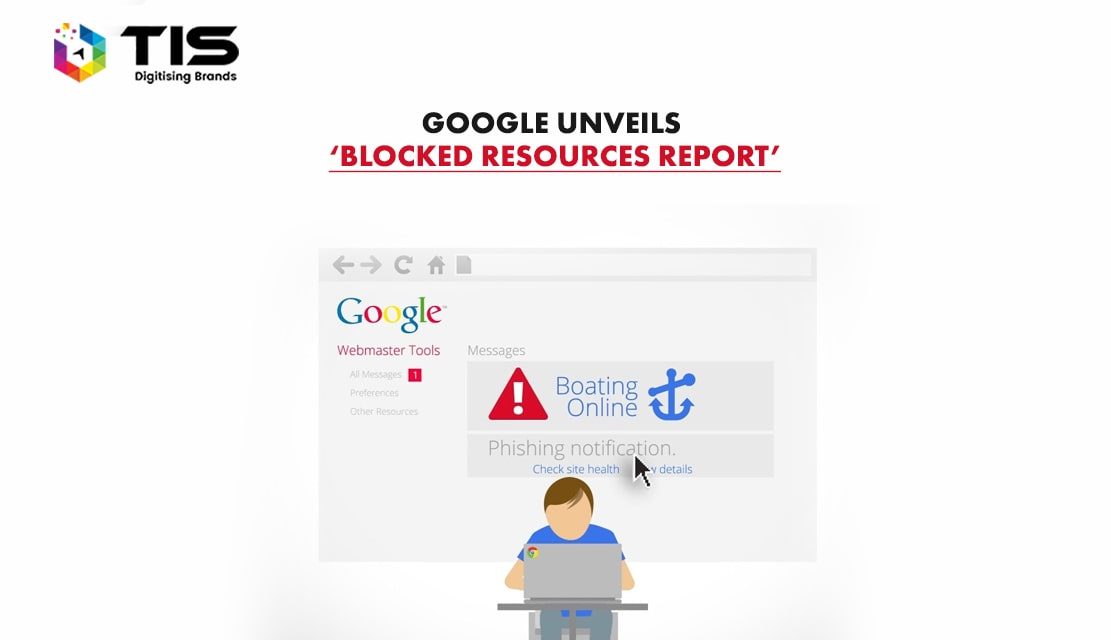
Google has recently introduced a new Webmaster Tools feature called ‘Blocked Resource Report’. It aims at helping webmasters to find and resolve issues where Googlebot cannot use blocked CSS, linked images, or JavaScript. Blocked resource prevents web pages from rendering correctly, and Google wants to ensure that you are only blocking what you really need/ want to be.
Table of Contents
The Blocked Resource Report provides the names of the hosts from which your website is using the blocked resources such as CSS, JavaScript, and linked images. By clicking on a row, you will get the list of blocked resources and pages that embed them. It helps you figure out and take care of these issues so that Google can better crawl and index the content present on your website.
Some resources will be hosted on your website, while others will be hosted on others. If you click on a host, you will get a count of web pages on your website affected by each blocked resource. Furthermore; if you click on any blocked resource, you will get a list of web pages that load that resource. By clicking on any web page in a table hosting a blocked resource, you will get directions for unblocking that particular resource.
For evaluating and reducing your list of blocked resources, you can follow the below-mentioned steps:
The fetch and render tool is specially designed to show how Google sees your web page. The update of Fetch and Render will show how the blocked resources matter. When you request a URL to be fetched and rendered, it will show screenshots rendered both as a typical user and as Googlebot, so that you get a better grasp on the problems.
This new feature is definitely beneficial for webmasters, as it makes it easier for them to spot and then unblock resources used by their website.
7 Reasons Why Internet Marketing Is Important For Your Business
Top Advantages of Using WordPress for Developing Business Website





 264
264 


 (+91) 9811747579